How it works.
Everything after "let's have a party" lives in one spot.
- 1
Design
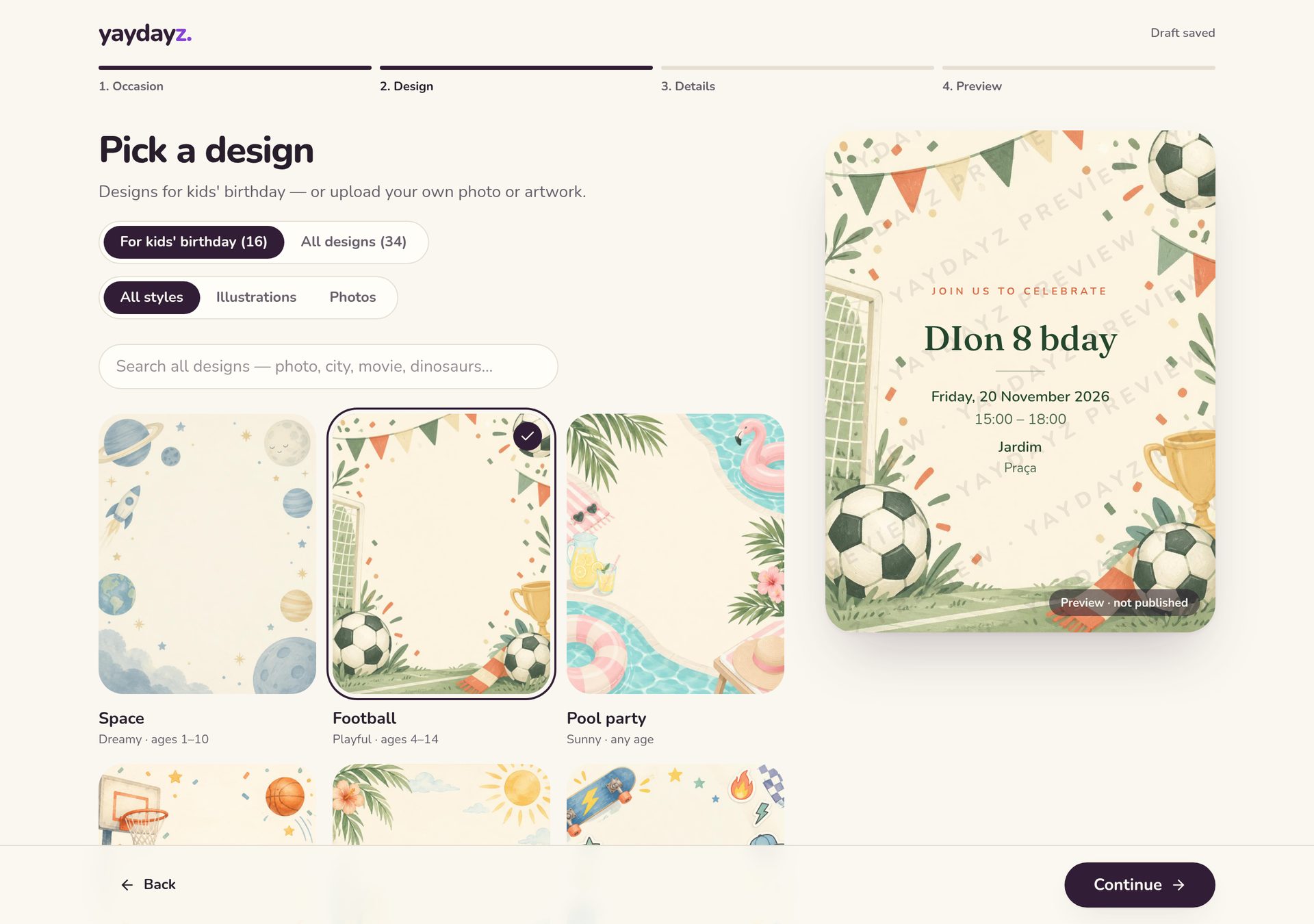
Choose what you're celebrating, pick an illustrated theme or upload your own art, and add the details. It saves as you go.
- 20+ themes for every occasion, or your own artwork or photo
- Signed in, your draft saves automatically
- End time is optional — we assume 2 hours
- 2
Preview your invite
Preview the invitation on mobile or desktop and test the reply form. Nothing is sent until you publish.
- See it exactly as guests will, on phone or desktop
- A light watermark stays until you publish
- 3
Publish & share
Publish for €0.99 and share one link to the class WhatsApp group, or send it family by family.
- One-time €0.99 per event, add a printable PDF for €1
- Unlimited guests and replies
- Link previews look great in WhatsApp
- 4
Organize
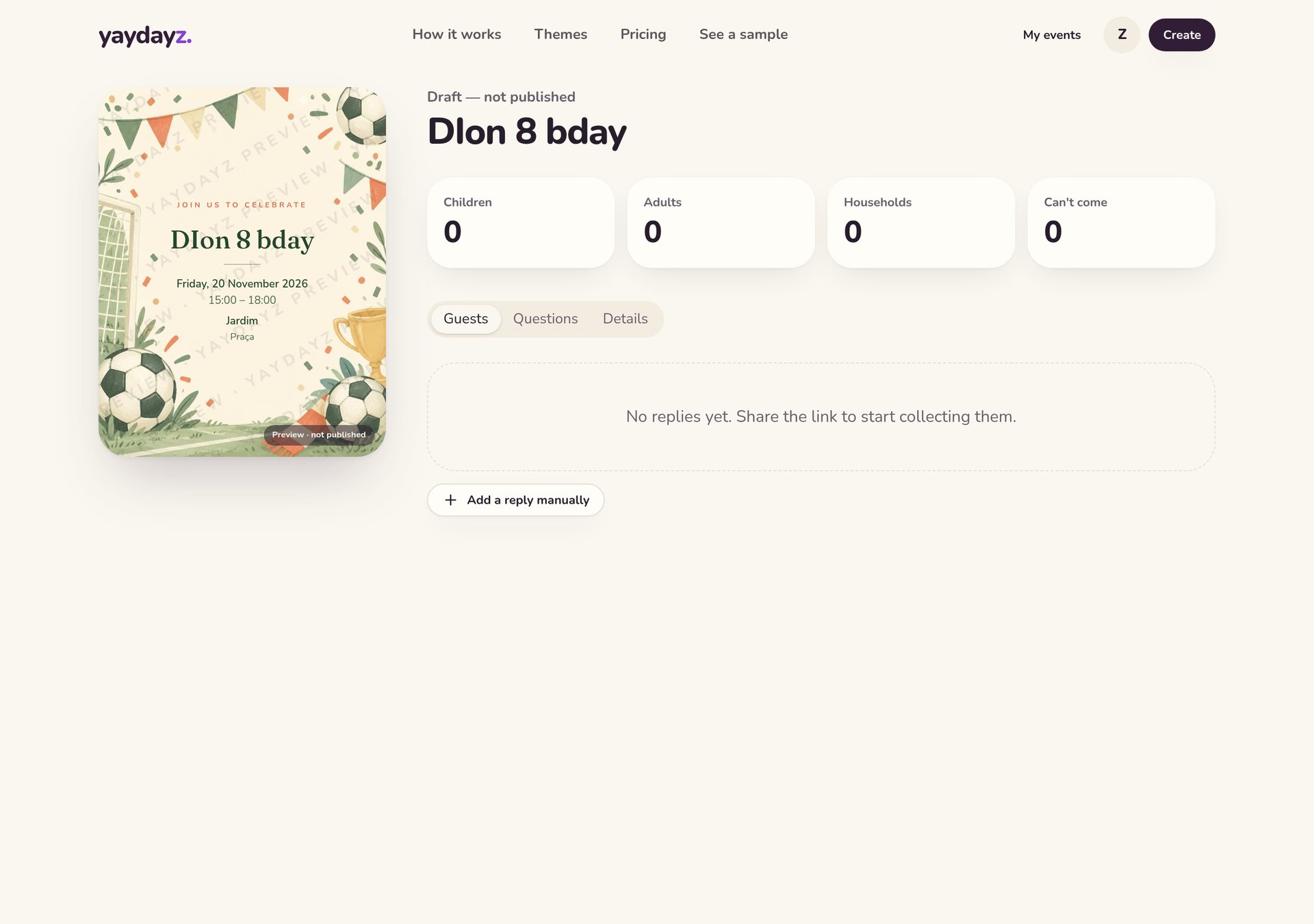
Guests reply with each person's name — no accounts, no app. Children and adults are counted for you.
- Guests say yes or no and list who's coming
- Kids and adults counted automatically
- Each guest gets a private link to change their reply
- 5
Manage
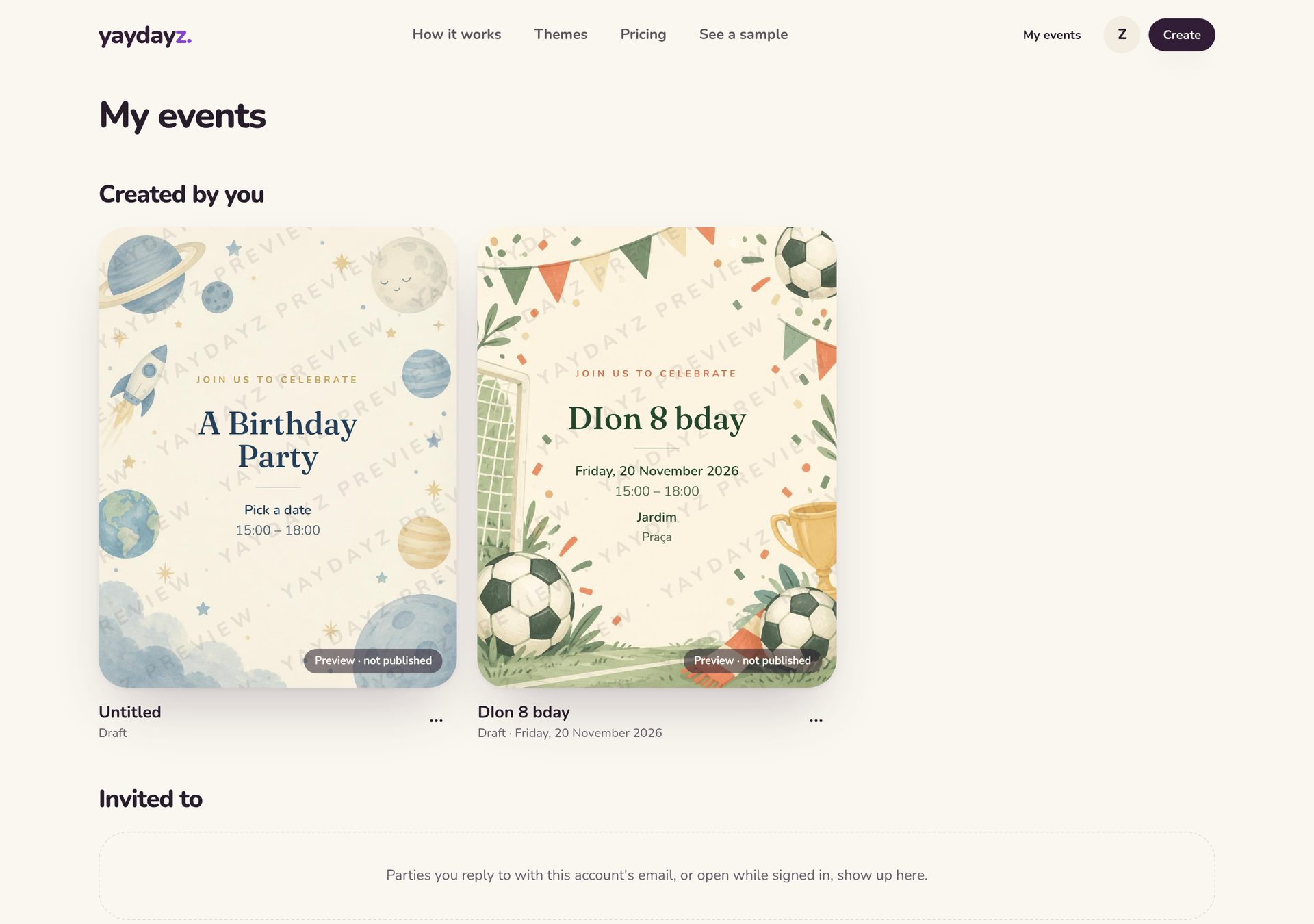
Answer private questions, update the time or place, add replies yourself and keep everything in one place until the day.
- Live guest list, add replies yourself
- Answer questions privately
- Change date, time or place — guests can be emailed the update
- Get email alerts or a daily summary
See it in action
What your guests get
- No account and no app — just open the link
- Add to calendar and directions in one tap
- Email receipt with their private reply link
- Reminders 7 days and 1 day before
- Replies close when the party starts
Good to know
- Invitations are shown in English, Português, Español or Svenska
- After the party, guest details are hidden from the public page
- Guests can stop emails with one click